AI ContentGive your whole catalog copy, images, and video — from each product’s own data
Set a prompt once and Aimée writes the ad copy, generates the lifestyle imagery, and cleans and classifies every photo across your whole catalog — each piece built from the product’s own data.
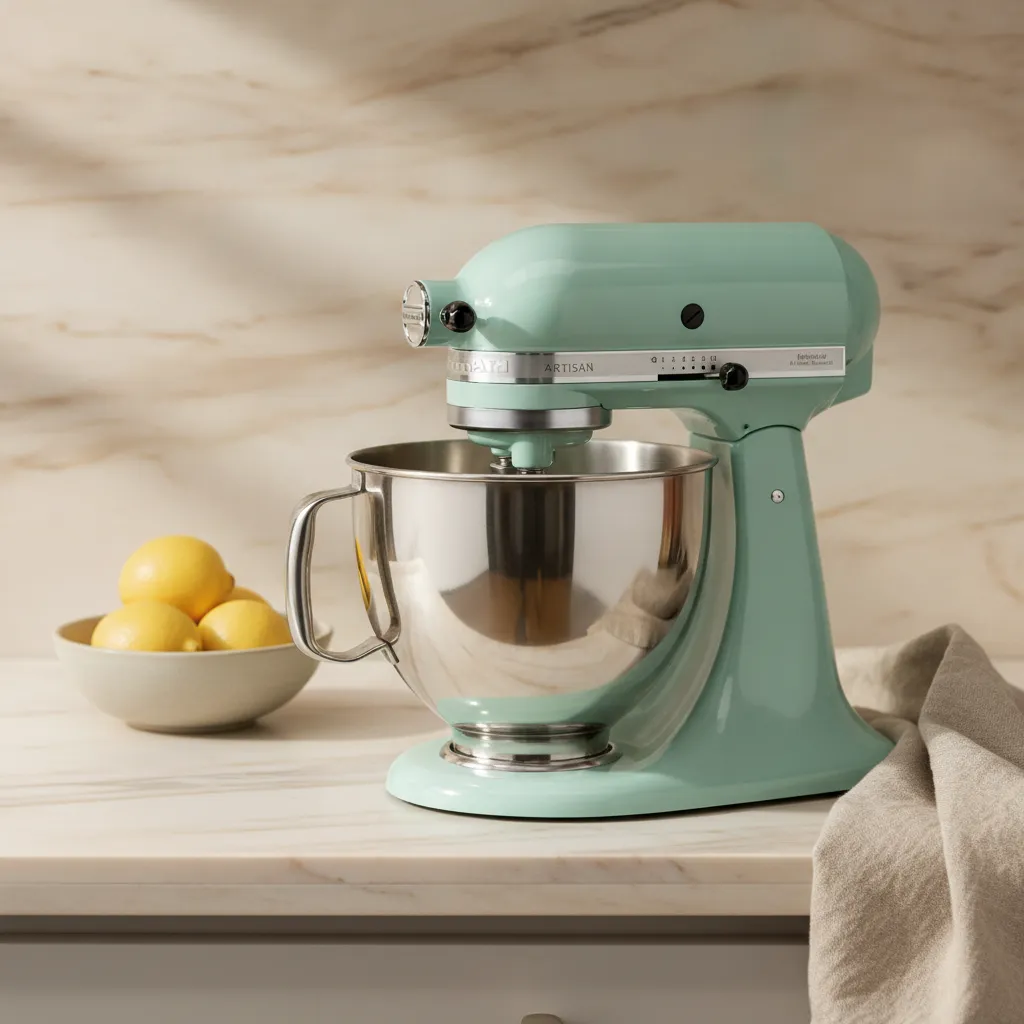 Generated by Aimée
Whisk, knead, and everything after
Set one prompt. Every product gets it — and every new one, too.
A prompt in Renable is configuration, like a feed rule — not something you run product by product. Scope it to your whole catalog or a product set, and Aimée applies it to every match. When your feed changes it re-runs on what changed; when new products arrive that fit the scope, they get the same content on import, untouched.
One prompt
scoped to a set
1,340 matching products
content generated
Every import
re-runs on what changed
New products
covered untouched
One prompt, the whole catalog
Re-runs on every change
New products, covered
Product in, content out — in every modality
Point Aimée at your catalog and she runs the whole content pipeline on every product. Because Renable holds your feed, each piece is grounded in the real product — not generic AI filler. Feed tools don’t hold your creative; creative tools don’t hold your data.
Ad copy, fact-checked
Titles, descriptions, headlines, reasons-to-buy, and voice scripts — written per product and checked against its own data.
Lifestyle image generation
A plain pack shot becomes lifestyle photography of that exact product, styled in a scene you describe.
Per-product video
Animate a photo you have, generate a fresh scene, or direct a full one — a looping video for every product, with a voice-over and soundtrack.
Image classification
Every feed image is sorted — Product, Lifestyle, Information, and finer — so the right kind of shot lands in each template slot.
Background removal
Any shot becomes a clean cutout that’s safe on a colored template — with a quality-scored pipeline that falls back when it has to.
Review excerpts
Real customer quotes, lifted from your connected review platforms and scored — the best line ready to place in the ad.
Copy written from the data — and checked against it
Point Aimée at your thinnest descriptions and she writes titles, descriptions, headlines, reasons-to-buy, and voice scripts from each product’s own attributes — never filled in from a category template.
Every generated claim is checked against the product’s data before the copy is accepted. AI copy you still have to proofread is a second job; Renable runs the second pass for you, on frontier text models — GPT, Gemini, and Claude. Across every competitor we checked, no other feed tool ships that second pass — as of mid-2026.
Each catalog carries its own locale, so a Swedish market gets Swedish copy written from the data — not machine-translated from the English.
Every claim tested against the product data
Data says: 4.8 L bowl
Written for the market, from the same data
Localized copy, written from the English product data — not machine-translated.
And your customers supply the proof
Aimée quotes real reviews, scored for confidence
Your copy says the product is good; your customers prove it. Aimée reads every review for each product, lifts the lines worth quoting, and scores her own confidence in each — so the strongest line is ready to drop into the ad.
Connect Trustpilot, Bazaarvoice, Yotpo, or TestFreaks directly, plus Google review XML for everything else. Renable matches each review to the right product, and you approve, edit, or remove any quote before it runs.
A picked quote flows wherever the product goes — into image templates, video scripts, and your feed copy. Feed tools don’t do this. Creative tools don’t. Only Renable does.
From your reviews
Delivery was quick and it turned up well boxed. It’s heavier than I expected, so I leave it out on the counter rather than lift it in and out. It kneads a stiff bread dough without walking across the worktop. The tilt-head makes swapping the bowl easy. Ten speeds, and even on high it’s quiet enough to talk over. Took me a day to stop over-mixing, but that’s on me.
Renable lifts the quotable lines
“It kneads a stiff bread dough without walking across the worktop.”
Picked95%“Ten speeds, and even on high it’s quiet enough to talk over.”
79%“It’s heavier than I expected, so I leave it out on the counter.”
Below bar51%One workbench for every kind of content
Pick what to generate, scope it to a set, and the product’s own data and photo become the prompt. Preview it on one product, see the cost, then run it across every match.
Prompt
Pills bind each product’s own data and photos — the same placeholders your templates and channels use.
Applies to
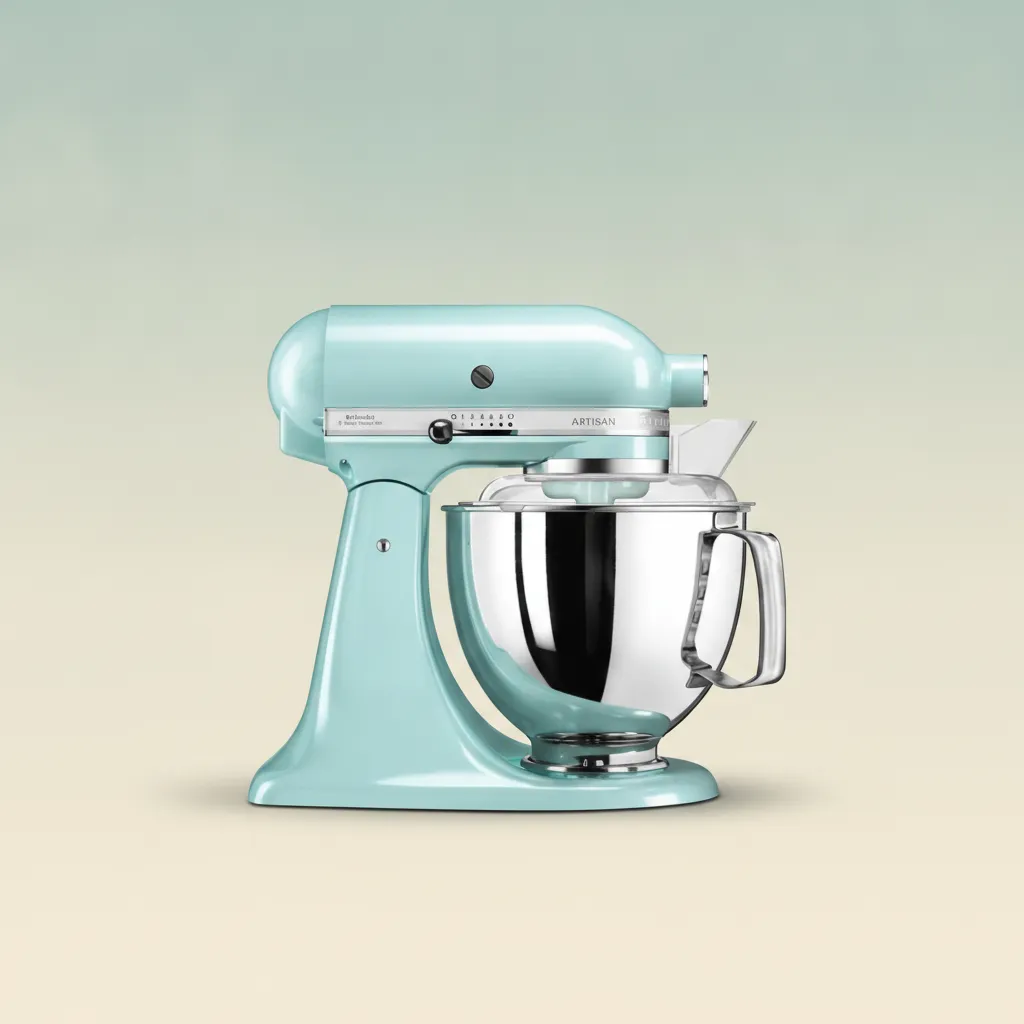
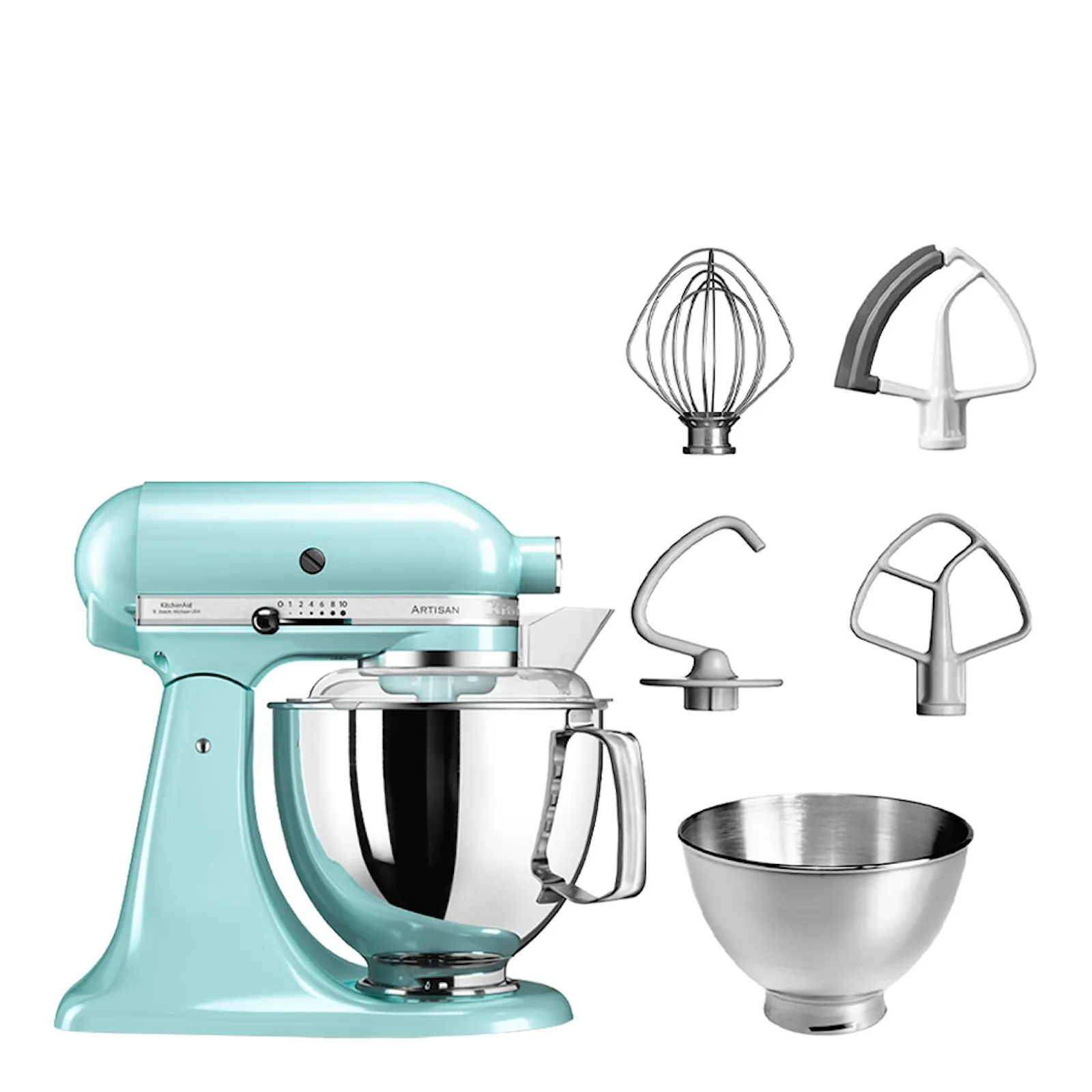 KitchenAid Artisan Stand Mixer 4.8 LSKU CV-ARTISAN-MINTPreview product
Model
Aimée picks per job — or you chooseText
Image
Video
Reference images ground every generation in the product’s own photos.
Generated
Preview · 1 product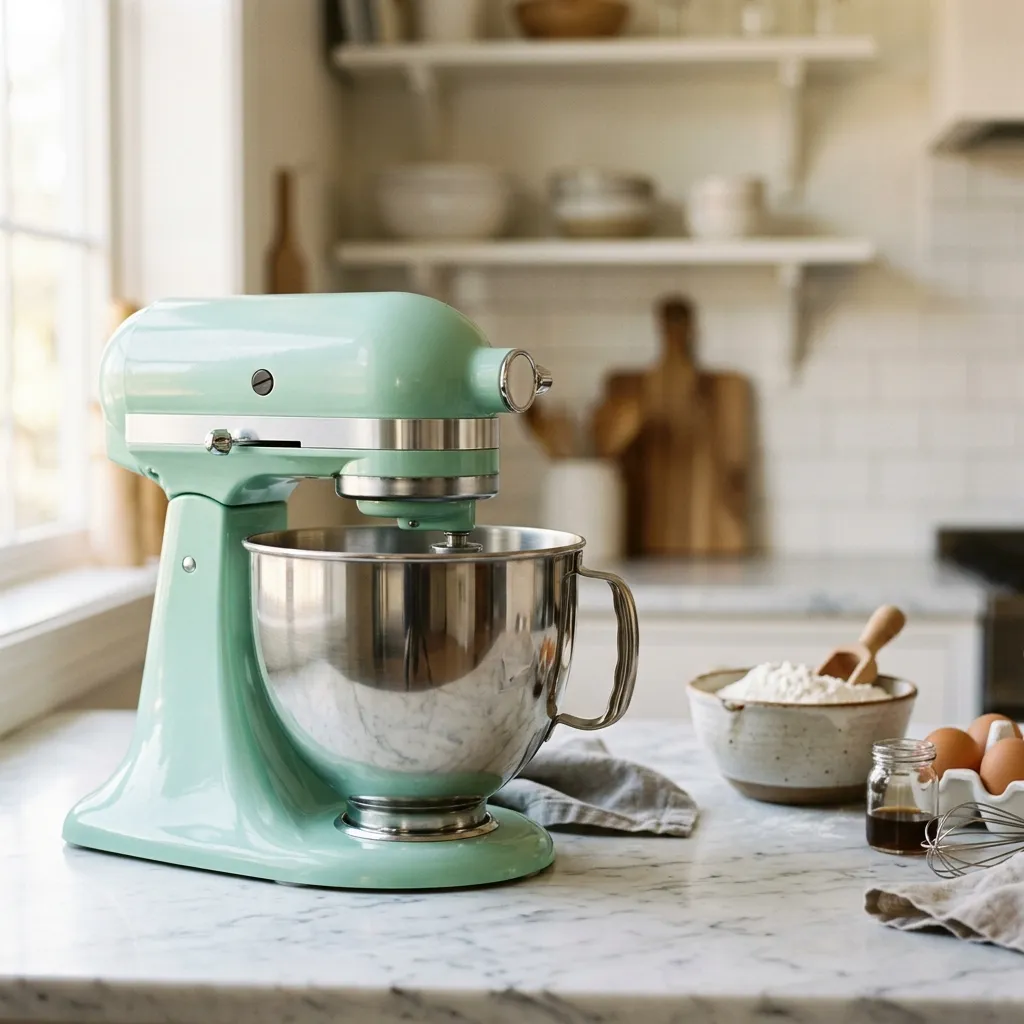
Previewed on the mixer before it runs on all 1,340 matching products.
Generated copy and lifestyle imagery flow into your channel feeds and every template you build in the creative studio — and per-product video reaches your ads through Studio video templates.
Start free — point Aimée at your catalog
Set your first prompt and preview it on a real product before you run it. Free for your first 100 items — no card.
Generate: your product, in scenes you never shot
Grounded in the real pack shot, not a stock backdrop
When a product only has plain studio shots, background removal can’t invent a setting that isn’t there. So Aimée generates one: give her a pack shot and she produces lifestyle photography of that exact product — styled in a room or on a counter, in whatever aspect ratio your channel wants.
The image models take the product’s own photo as a reference, so what lands in the ad is the real product, not a look-alike. Scope the prompt to a set and every product that only has pack shots gets a scene — in square, story, and landscape.
Image generation runs on frontier models — Gemini, Flux, and Seedream.
Generated from the product’s own photo — not a stock background.
Clean and classify every image — automatically
Renable mirrors every image from your feed into each product’s gallery — all of them, not a hand-picked few — and processes them on every import. New products get the same treatment the moment they arrive.
Aimée auto-sorts into three buckets — Product, Lifestyle, Information — and you can set finer categories like Staged and Feature by hand when a template needs a specific kind of shot.
Mirrored, not hand-picked
Sorted so templates can target
Override when it matters
Background removal that knows when it failed
Turn any shot into a clean cutout that’s safe on a colored template. The catalog runs an ordered pipeline: each step scores its own result, and if the quality is too low it falls back to the next model.
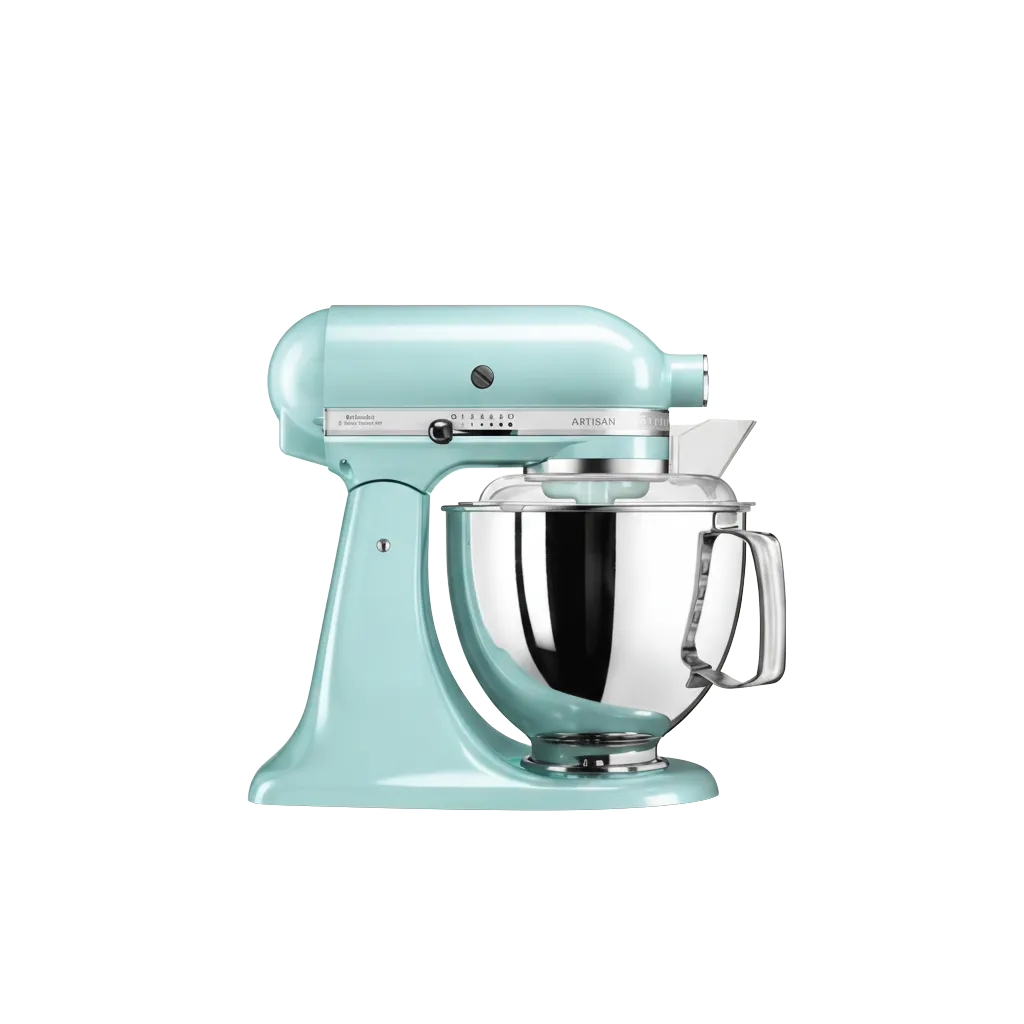
Safe to drop on any colored template — no white box around it.
quality 62% · below threshold
quality 96% · kept
Each catalog sets the order and the minimum quality; a step that misses the bar hands off to the next.
V1 is fast and cheap on plain backgrounds; V3 (the default) handles colored and busy ones; V2 is a premium model for the hardest shots. Chain them — “try V1, fall back to V3” — and every result carries Aimée’s own confidence score.
Video: how far the AI goes is your call
Four ways to put your catalog in motion — from a slow camera move on the photos you already have to directing a whole scene from a prompt. How far the AI goes is your call, per product set.
Your photoCamera motion
Add motion to what you have
A slow pan-and-zoom on your own photo — nothing generated, zero risk.
Animated photo
Bring your photos to life
For brands with real photography who want it moving — without changing a pixel of the scene.
On a fashion shot, the model shifts her weight and the fabric moves — your exact photo, brought to life.
Generated scene
Generate the scene, then set it in motion
No lifestyle shots needed — review the scene as a still before it moves.
From a plain pack shot, grounded in the product.Directed scene
Direct the full scene
For a hero set that deserves a scene of its own.
Sound
And give every video a voice
A product video isn’t silent. Add a soundtrack, and a spoken voice-over rendered by text-to-speech from a voice script. A script is content like any other — bind it to each product’s data with placeholders, or let Aimée write it and fact-check it against the product, exactly like your ad copy. Set it up in Studio’s video templates or the prompt workbench.
Voice-over script
Fact-checkedMeet the Product name and enjoy Reason to buy for just Price today.
You choose per product set, not per account — your hero sets can go further than your long tail. A video prompt is configuration — a draft until you publish — so you can run a simple camera move across the whole catalog and direct a scene of its own for just your hero set.
The frontier models, included — not sold back to you
Renable runs the leading models for every modality and picks the right one for each job. There’s no AI gate and no video gate — generation is included on your plan, even the free one, and metered in credits with an estimate before any run.
Included on every plan
No modules, no AI gate, no video gate. Even the free tier generates content.
Estimated before you run
Metered in credits, with a cost estimate after you preview — never a surprise bill.
Cheaper by construction
High-volume enrichment runs on Renable’s own in-house models — the cost advantage that keeps it included.
Just tell Aimée what you want made
You don’t build prompts by hand unless you want to. Describe the content in plain language and Aimée writes the prompts and scopes them to the right set — but a prompt is configuration, so it lands as a draft. You publish it, and you hold the switch on the run, because generating at scale spends credits.
Once it’s running, content flows by exception. Aimée runs her own quality checks, ships the content she’s confident in, and flags only the judgment calls for you — a routine rewrite never waits in a queue.
Content flows by exception
Confident content is used right away; Aimée flags only what needs a human look.
Configuration stays gated
Prompts, templates, and rules are drafts until you publish — and everything is versioned and undoable.
Aimée
Write copy and create lifestyle imagery for the “Headliners 2026” product set.
I set up three prompts, scoped to that set — ad copy, a lifestyle image, and a video that animates the image. They’re drafts until you publish them.
Created 3 prompts · Headliners 2026 · 180 products
Once they’re live they re-run on every feed change, and new products in the set get the content automatically. Publish them?
Set your prompts once. Every product gets the content.
Connect a feed, point Aimée at your catalog, and every product — plus every new one — gets copy, imagery, and video. Free for your first 100 items, no card required.