Creative StudioDesign once. Render for every product.
Studio is a drag-and-drop editor for image and animated-video ads. Build one template, bind its layers to your live product data — titles, prices, photos, review quotes — and Renable renders an on-brand ad for every product in your catalog.
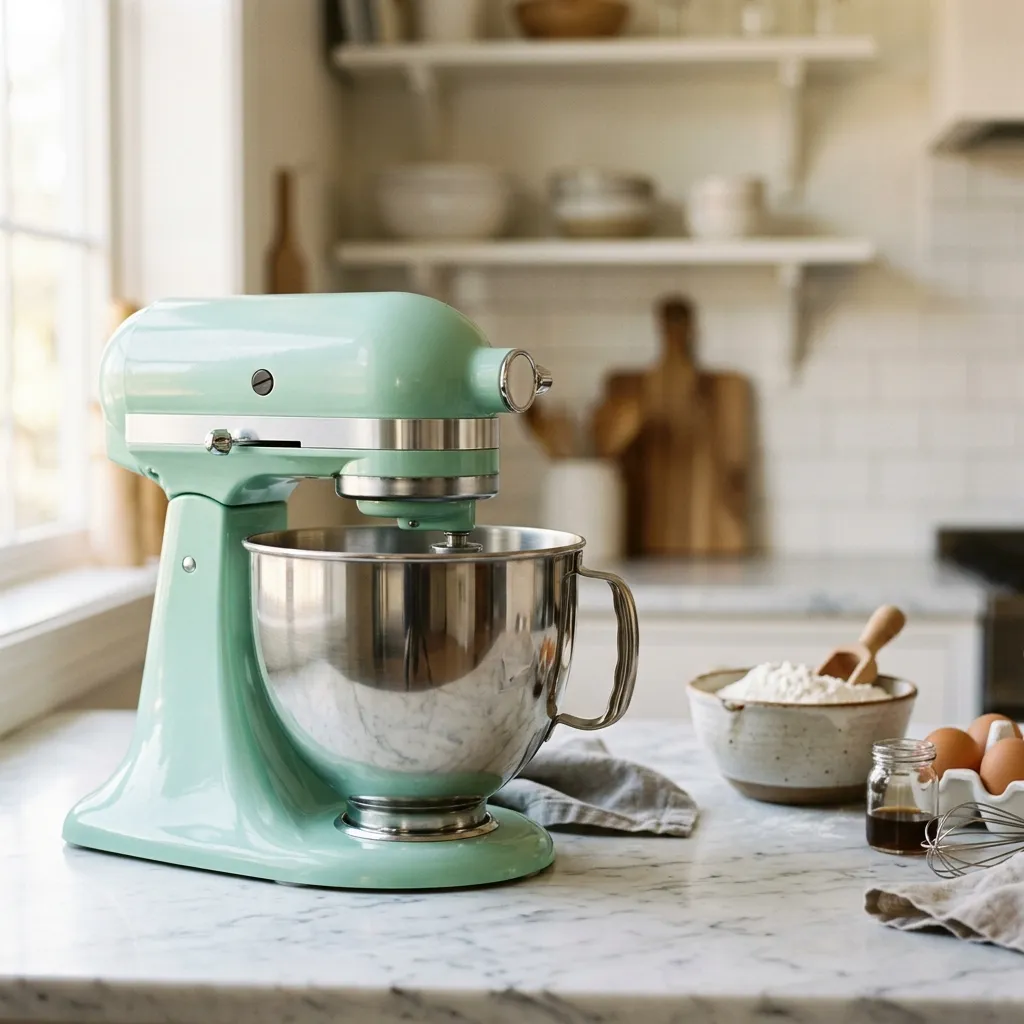 Copperleaf
Bakes like a dream, every time
Design the template once
The real Studio editor: a canvas with layers that bind to product data, an Aimée drawer that designs alongside you, and a timeline for animated video. Lay out one ad — and it becomes the template your whole catalog renders from.
Aimée
Build our summer sale look — warm background, review stars top-right, price badge bottom-right, headline in a serif.
Made 4 edits
Set a warm cream-to-rose background
Placed review stars in the top-right
Moved the price badge to the bottom-right
Set the headline in a serif
Saved as a draft — nothing publishes until you approve it. Want me to add the Story and Reels sizes from the same template?
Bakes like a dream, every time
Timeline
0:00 / 0:06Preview
Store
Product
Binding · Headline
Properties · Headline
Simplified view of the Studio template editor, for illustration.
One template · your whole catalog
The same design, rendered for every product
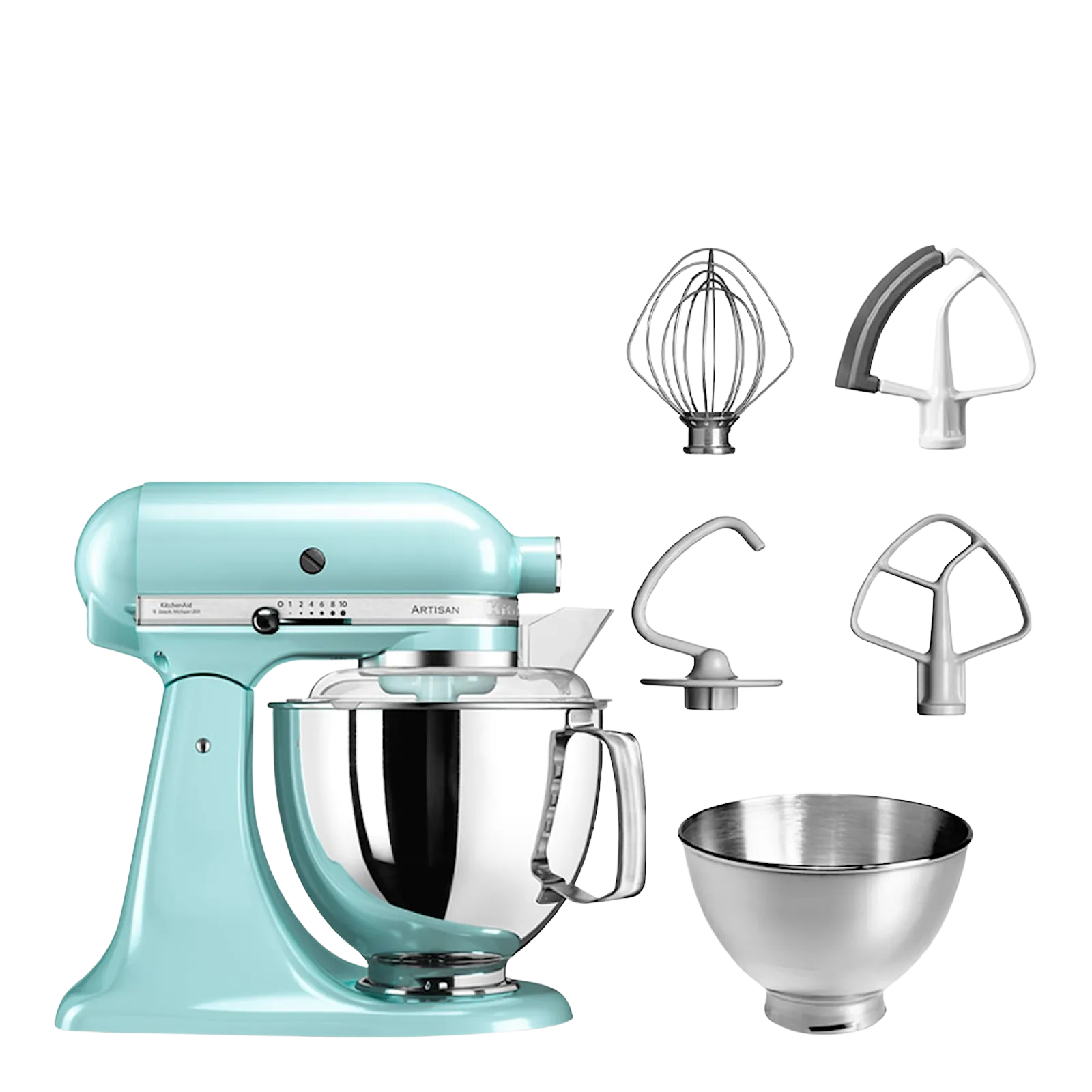
Each render pulls its own photo, headline, price, and review score from that product’s data. You designed one ad; the catalog fills it in.
Bakes like a dream
Six shades of just-right
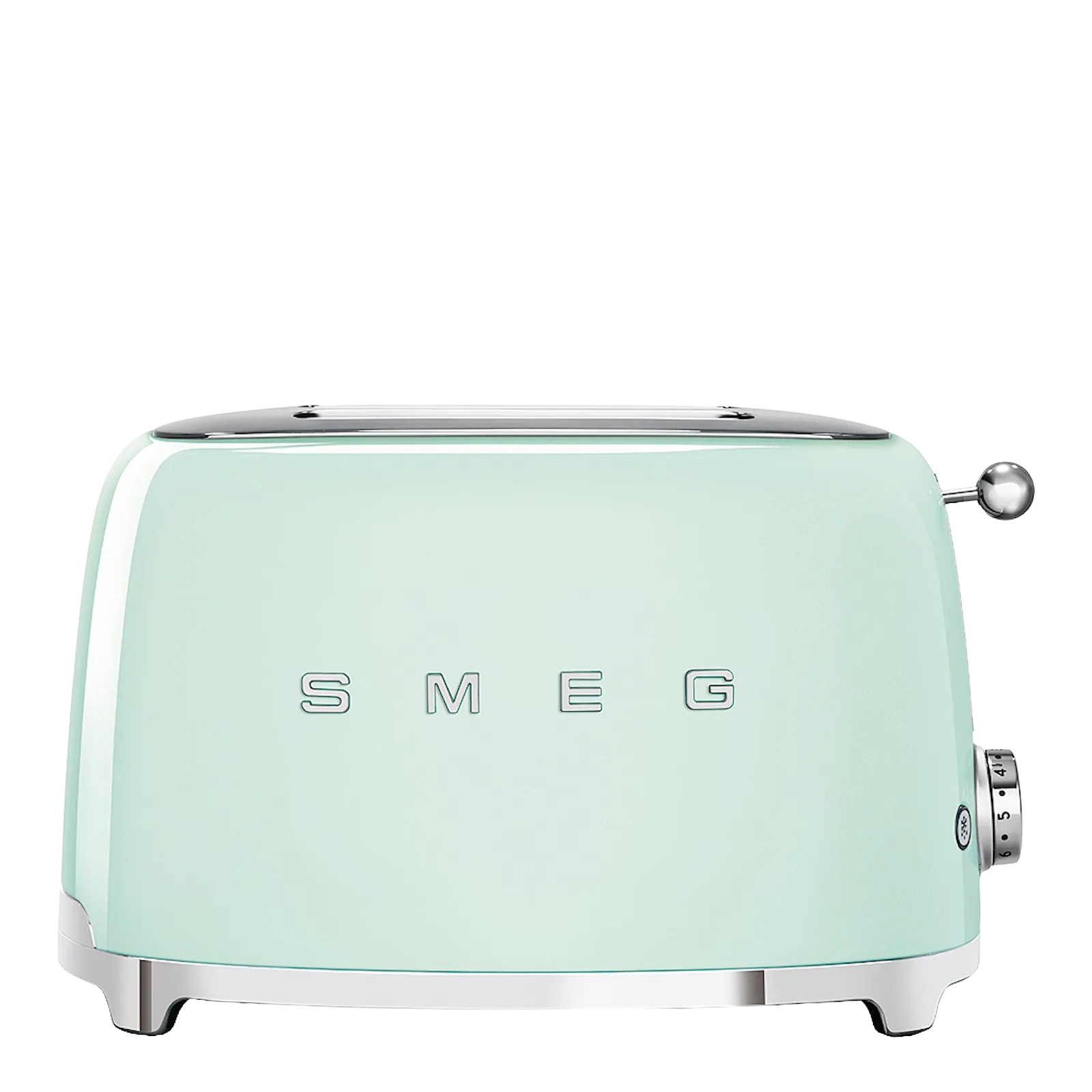
From hob to table
Solid oak, quietly done
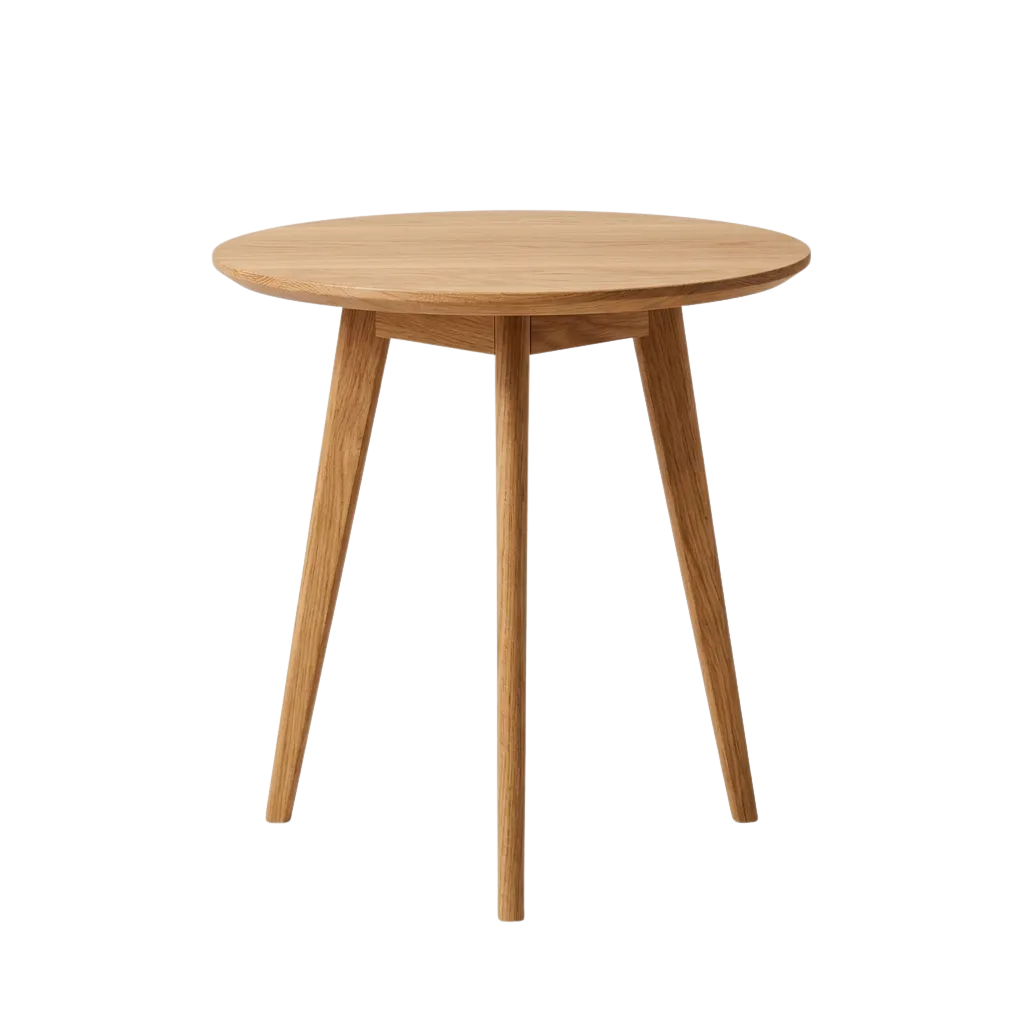
Creative tools decorate a feed. Studio improves what goes into the render — real reviews, fact-checked copy, and the right image on every product.
Every product shows its best photo
A template is only as good as the image that lands in it. Renable reads every image in your feed, sorts it, cleans it, and fills each design slot with the right shot — across thousands of products you never hand-pick.
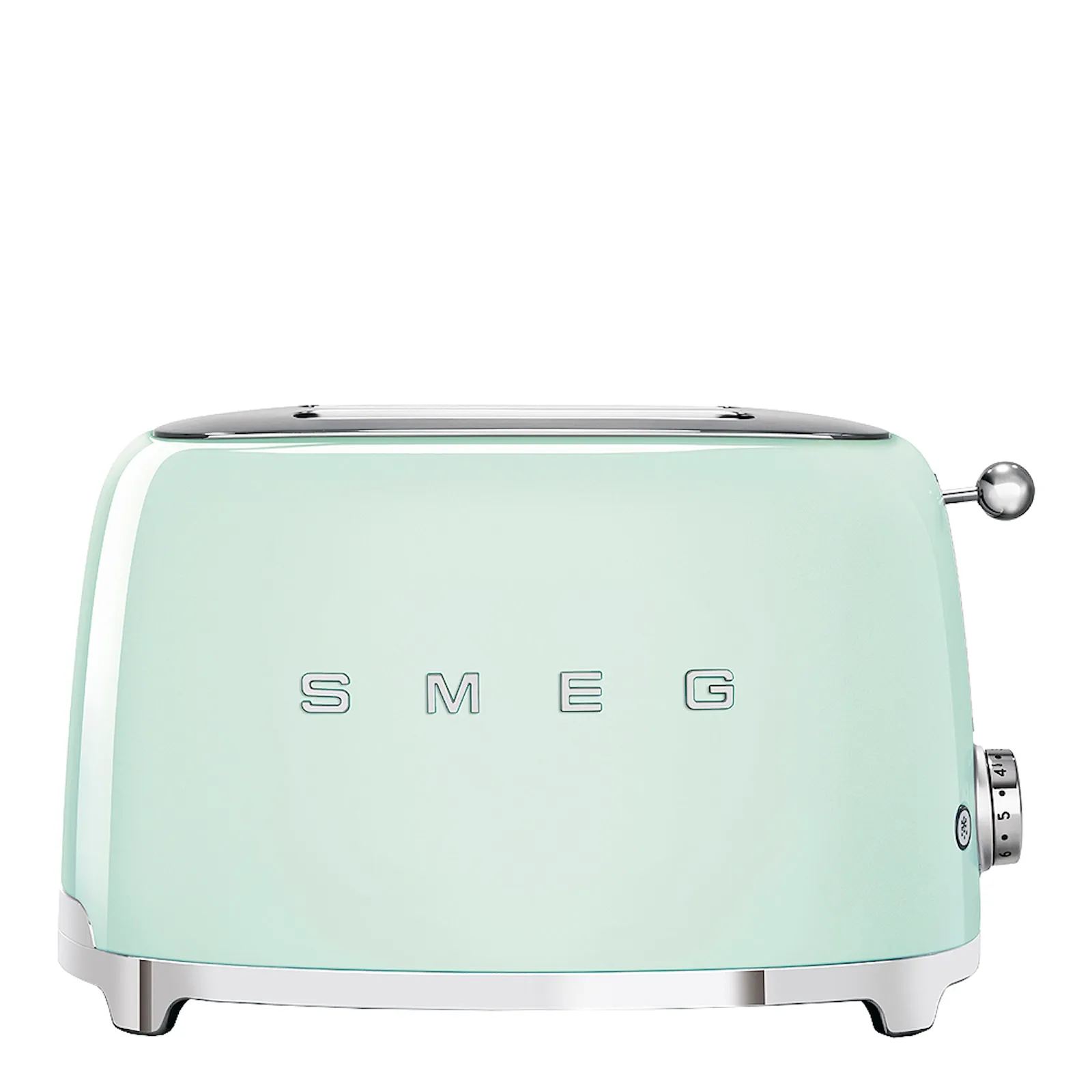
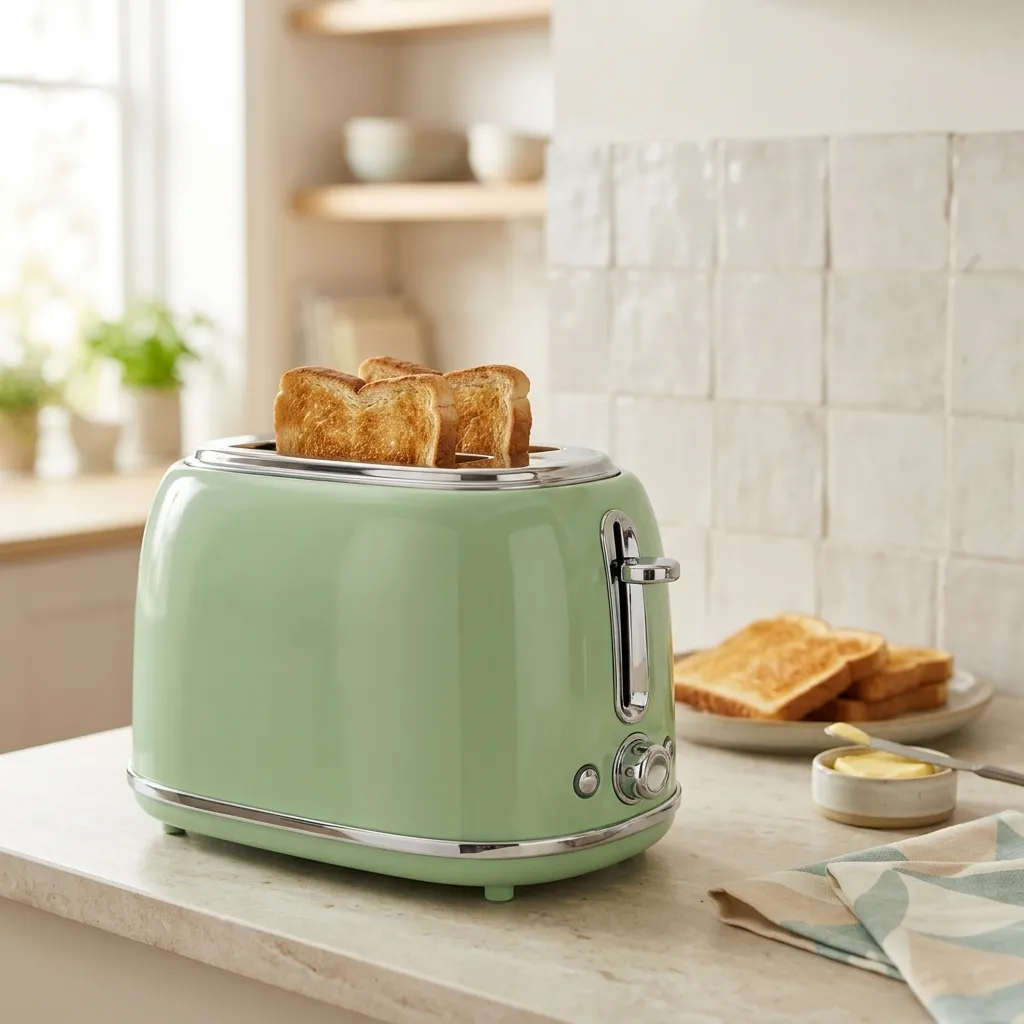
Renable classifies each feed image as Product, Lifestyle, or Information. A slot that wants a lifestyle shot never gets a spec sheet — and every call is reviewable, so you can override any of them.
Studio wall
Cut out
Product shots get their background removed automatically. Put your brand color, a graphic, or a seasonal scene behind the product — never a gray studio wall.
PackshotGeneratedSome products only ship with a packshot. Generate an original lifestyle scene from a prompt — tagged Lifestyle, it flows into the lifestyle slot like any other shot.
One template. Every size, still yours.
A template holds all your ad sizes at once. Content, data bindings, and automations are shared; the layout can differ per size — the square, the story, and the banner below are one template, laid out three ways. Adding a size is a click in the size toolbar, not a redesign.
Render from the same template as image ads or per-product video — whatever the placement calls for.
Six shades of just-right
Six shades of just-right
Six shades of just-right
(214)When the product changes, the ad already knows
Automations show, hide, or swap any layer based on product data — the same rules engine that powers your feed, now on the canvas. A product goes on sale, and its ad updates itself — strikethrough price, sale badge — with no new template and no manual edit.
When a sale price is present, swap in the sale layout
When
Then
From hob to table
From hob to table
Sale-price swaps
Stock flags
Seasonal themes on a schedule
Nothing off-brand ships under your name
On-brand by default. Set your heading and body fonts — pick from Google Fonts or upload your own — and every render across every product stays inside them. Your taste, encoded once, holds across the whole catalog.
Then reach for the placeholders that make product ads actually sell:
- Review stars, scores, and quotes that pull each product’s own reviews
- EU energy-class icons, rendered from the energy attributes in your feed
- Discount amount and percentage, driven by your live price data
Pick from hundreds of Google Fonts, or upload your own .ttf / .otf.
Each pill pulls from that product’s own data at render time.
Put your customers in the ad
Connect Trustpilot, Bazaarvoice, Yotpo, TestFreaks, or Google review XML; Aimée reads each product’s reviews, scores its own confidence, and places the most quotable line right on that product’s ad. Across every competitor we checked, no rival pairs native review-platform connections with AI that scores and lifts the quote into the creative — as of mid-2026.
Review stars, average score, headline, and the number of reviews are placeholders too — the social proof renders itself, per product, with no copy-paste.
CopperleafThe one the reviews rave about
“Same golden shade every morning, dial set and forgotten.”
$199Give every product a video
Give a template a duration and a frame rate and it becomes a video template. Arrange your layers on the timeline, add animation effects — entrances, exits, emphasis, continuous motion — and Renable renders a unique video for every product in your catalog.
The rendered videos flow into your channels for dynamic video placements.
Animation design sound complicated? Don’t worry — start a chat with Aimée and she’ll design it together with you.
Video template
Rendered per product
Aimée designs with you
Describe the ad you want and Aimée builds and designs the template in Studio — layout, brand fonts, review layers, price animations. She works with your taste, not around it.
Edit anything she makes. Every change is versioned and undoable, and nothing reaches your live ads until you publish it.
Aimée
Give me our summer look — price bottom-left, a review quote under the product, warmer background.
On it. I’ll design it in Studio and bring you a draft.
Made 3 edits
Warmed the background to cream
Moved the price badge to the bottom-left
Added a review-quote layer under the product
Saved as a draft — nothing publishes until you approve it.
Start from a ready-made template
The template gallery is stocked with ready-made image and video templates. Pick one, swap in your fonts and colors, and you’re rendering — no designer required.
Build your first template today
Studio is included in every plan — no creative module, no video add-on. See pricing.