MetaAdvantage+ catalog ads that don’t look like everyone else’s
Renable feeds Meta a cleaner catalog and richer creative — a designed image, a distinct video for every product, and real customer review quotes — so your Advantage+ ads stop the scroll instead of blending in.
Fetchwell
Sponsored
Walks that end the pulling, not the walk
“The front clip fixed our pulling in a single walk.”
$49Everyone’s catalog ads come from the same feed
A stranger’s product pitch is marketing; a customer’s own words are proof. Almost every retailer hands Meta the same product-on-white image — a lifestyle scene, a price badge, and a real review quote on top are what make yours stop the scroll.
A plain catalog ad

Fetchwell
The same product, enriched
 Fetchwell
Deep sleep, delivered
“My 11-year-old lab hasn’t slept this soundly in years.”
Fetchwell
Both ads run through Advantage+. Only one looks like it was made for the scroll.
What Renable feeds Advantage+
Advantage+ is only as good as the catalog behind it. Renable publishes a clean, Meta-ready feed — mapped, corrected, and kept fresh roughly every hour — with your reviews and fact-checked copy already in the creative.
Simplified view of the Meta Advantage+ channel, for illustration.
A clean, mapped feed
Your data mapped to Meta’s required fields, corrected by rules and lookups, and re-imported roughly every hour so prices and stock never go stale.
Fix the feed IT won’t touchReviews in the creative
Connect Trustpilot, Bazaarvoice, Yotpo, TestFreaks, or any Google review XML feed. Aimée lifts each product’s strongest quote and renders it — stars and count included — into the ad.
Put your customers in the adCopy checked against your data
AI writes titles and descriptions for every product and market, and fact-checks each claim against that product’s own data before it ships.
See how the copy is writtenThree ways to run Meta
Advantage+ feed
The standard image-and-data catalog feed Advantage+ reads from.
With animated videos
The same feed, plus a rendered video on every product’s video field.
Supplementary feed
Layers enriched titles, images, and copy over a catalog you already have.
A video for every product
Advantage+ has a video field, and a still is the fastest way to get scrolled past. Renable fills that field two ways — render one designed template across the whole catalog, or let AI turn each product’s own shots into a moving scene. Both attach to the “Meta Advantage+ feed with animated videos” channel.
Route 1 · Rendered from a template
One template, a render per product
Design one video template and Renable renders a distinct video for every product — its footage, price, and review score pulled from that product’s own data, with an AI voiceover in each market’s language.
One template
Video template
1:1 · 0:05
Designed once, on brand.

No-pull, no fuss

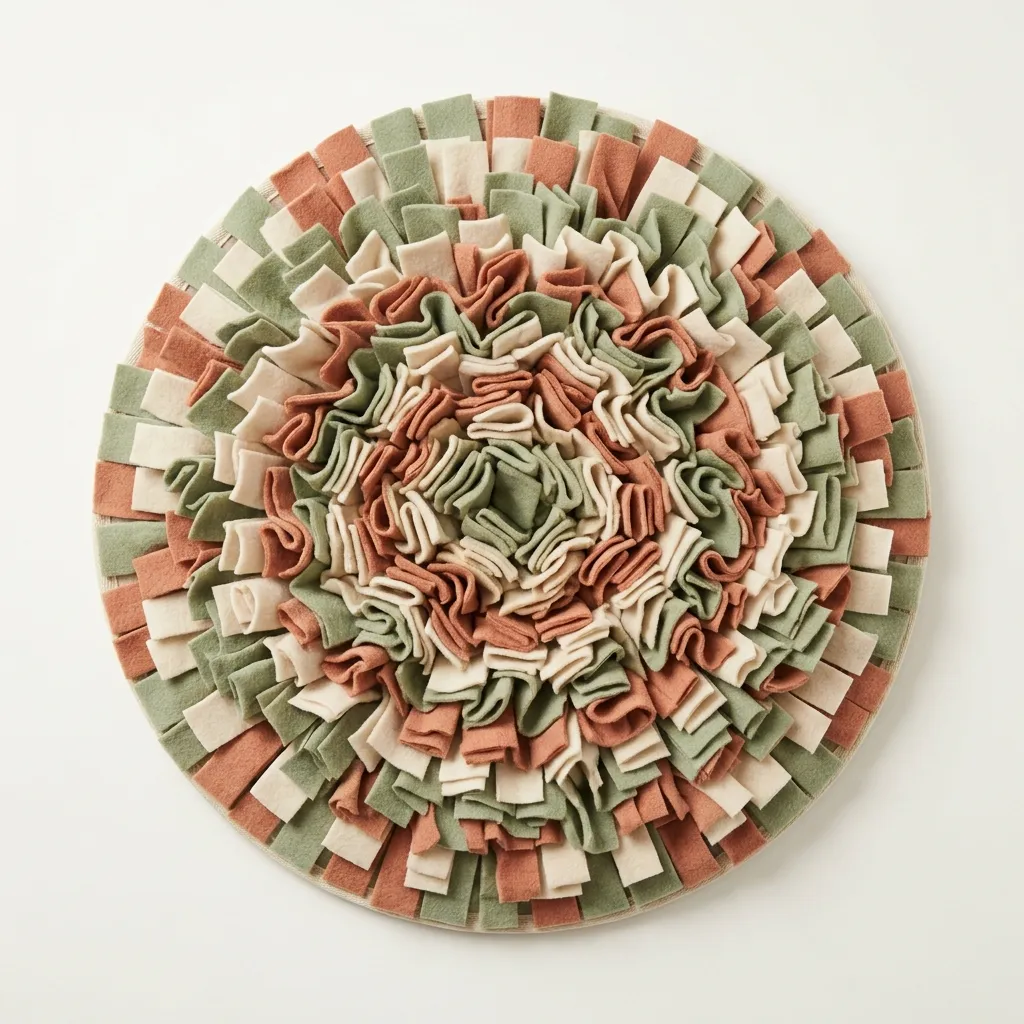
Dinner, but a hunt

Seen across the park
Route 2 · Generated by AI
Or generate the footage you don’t have
Most retailers have no lifestyle video of their products — just studio shots on a grey sweep. Renable turns those into motion: your studio shot goes in, a moving scene comes out, grounded in the real product.
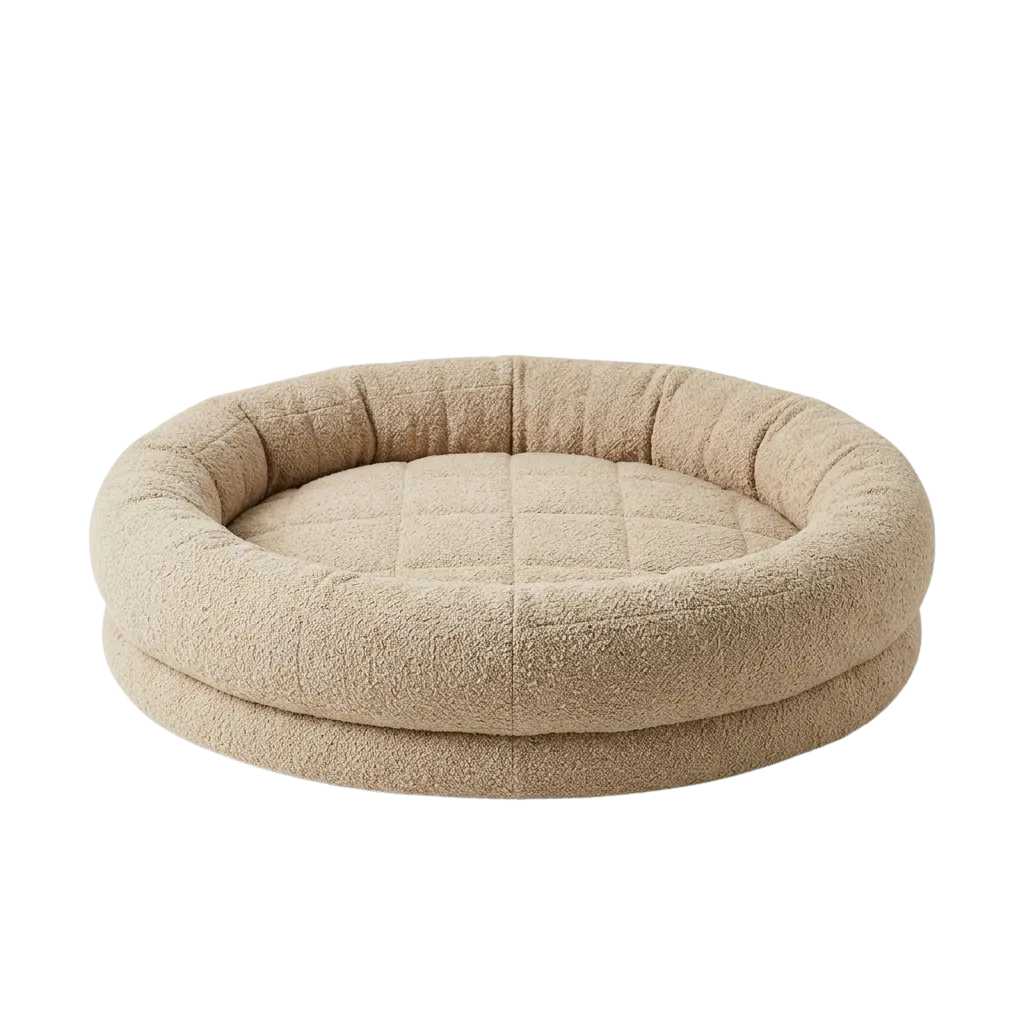
A studio shot from your feed
Deep sleep, delivered
“My 11-year-old lab hasn’t slept this soundly in years.”
$129The same scene, with price and review bound by the template
The generated footage isn’t the finished ad on its own. The same template that runs your whole catalog binds each product’s own data — price, the review quote, the headline — on top, and that enriched video is what ships to your Advantage+ video field.
How far the AI goes is your call, per product set — from a camera move on the photos you already have to directing a whole scene from a prompt. Generate a still and approve it before it moves, or go straight from prompt to video; either way, you choose where human approval sits.
Keep the Meta catalog you already have
Already running a Meta catalog you like? Don’t migrate it. Run a supplementary feed and Renable layers cleaner titles, richer images, and review quotes over your existing catalog — your primary feed stays exactly as it is.
Your Meta catalog
stays as-is
Renable supplementary feed
layers on top
Same catalog, enriched
in Advantage+
Prefer to bring the catalog itself into Renable? Connect it in one click with Meta’s own sign-in — no access tokens to copy — and manage it here from then on.
“Why did Meta drop my products?”
When products vanish from your catalog, the reason is almost always one of five things — and Meta buries it. Renable catches most of them before Meta ever sees the feed, names the exact products, and tells you which are yours to fix and which are Meta’s.
Its path through your feed
In the channel’s product setapplied
scope: included
Exclude rulesdidn’t apply
no match — kept
Required fieldsapplied
title · price · image · availability
Leaving your feed cleanly — nothing on the Renable side dropped it. Meta shows it as out of stock, which is expected. That’s a Meta-side story, not a feed bug.
Simplified view of a channel trace, for illustration.
Aimée
Why did the Cloud Nine bed disappear from my Meta ads?
I traced it — it’s in the product set, no rule excluded it, and every required field is filled. It’s leaving your feed cleanly. Meta has it as out of stock, which is why it stopped showing.
Traced Cloud Nine Orthopedic Dog Bed
Stop guessing. Trace it.
Ask Aimée why a product is missing and she reads the same logs, names the step that dropped it, and tells you whether it’s yours to fix or Meta’s — in seconds, not a support ticket.
SetupFrom a store URL to a live Meta feed, in hours
Give Aimée your store URL and she imports the catalog, maps the feed, builds a Meta Advantage+ channel with review quotes, and writes the copy — every change drafted first, published only when you say so. Live ads in hours, not days.
Renable hosts the feed at a stable URL. You paste it into Meta Commerce Manager once, and from then on your updates flow through on their own — no re-upload, no API push to wire.
Aimée
Get fetchwell.com running as Meta Advantage+ catalog ads, with reviews.
On it. I’ll import the store, build the catalog, and set up a Meta Advantage+ channel with review quotes wired in. Everything lands as a draft first.
Built a Meta Advantage+ channel · 214 products
Publish, and I’ll hand you the feed URL to paste into Meta Commerce Manager.
Renable builds the feed and the creative. Meta runs the campaigns.
What Renable controls is that Meta gets the best possible version of every product — a clean feed, a designed image, a video, and real review quotes.
Budgets, bidding, targeting, and delivery stay in Meta Ads Manager. There’s no “Advantage+” button hiding in Renable — Advantage+ is Meta’s ad format, and Renable’s job is the feed it reads from.
A/B test your ad designs, inside Ads Manager
Your feed can carry your designs as named design groups — one creative concept, one design per shape, image and video together. The extension shows which group every catalog ad is running and every other one it could, with previews. Pin a group by name and Meta keeps choosing the shape that fits wherever the ad runs. Duplicate the ad set, pin a different group to each one’s ad, and you have a clean creative test without rebuilding a thing. Fast enough to run on every client account, not just the big one.
Fetchwell — Meta catalog
This ad runs
Meta picks the shape that fits where the ad runs — needs Adapt to placement on.
Other design groups available
Feed updated 12 min ago · Meta fetched it 43 min ago
Simplified view of the Renable Options panel inside the Meta ad editor, for illustration.
Settle the creative argument with spend
Duplicate the ad set, pin a different design group to each one’s ad, and let the results pick the winner — a test that used to mean an afternoon of rebuilds now takes minutes. A builder that wires the whole test from a single ad is next on the roadmap.
One name, every shape
One fixed image runs everywhere — a square, letterboxed into Stories. Pin a design group by name instead, and Meta keeps choosing the group’s square, portrait, or story version to fit wherever the ad runs — and when the group carries a video, Meta can serve that too.
A new group never moves a live ad’s image
Its designs show only on ads you deliberately pin, so a seasonal concept can sit in the feed next to your evergreen designs until you point an ad at it. Video is broader by Meta’s design — an ad with Dynamic Media on can draw on the feed’s product videos.
Fatigued creative, two clicks
When a design has run its course, hit Use and the ad repoints to another group — no rebuild. Switching back reuses the earlier creative instead of piling up duplicates.
It also carries Aimée in a side panel, so you can ask why an ad looks the way it does without leaving the tab — see everything Renable Options does.
Early access is open — bring the account you most want answers on.
Everything above, on the free tier
The video, the review quotes, the AI copy, and the Meta channel are all included — no video gate, no add-ons. You pay only for the feed items your rules keep.
Trusted by retailers like Webhallen.
Running your Meta feed on a feed tool or a creative tool today?
Meta catalog ads, answered
Why did Meta drop products from my catalog?
Can I keep my existing Meta catalog?
Does Renable run my Advantage+ campaigns?
Can I see which Renable design an ad is running?
How does a video for every product get to Meta?
What does it cost?
How fast are changes live?
Do I have to migrate off my current feed tool?
Make your Advantage+ ads look like yours
Start free and render your first enriched Meta ads today. No card, no video gate.