Product-Level VideoA unique video ad for every product in your catalog
Design one video template and Renable renders a distinct video for every product — its images and price from your feed, its review quotes from your connected review platform — for every channel whose catalog carries a video field.
Two jobs, one canvas
Template video covers the whole catalog — one design, a systematic on-brand video for every product. Generative video is the other job: net-new footage for the launches and best-sellers that deserve a scene of their own. They work together.
 Template
Template video
A video for every product
One template, rendered across your entire catalog — the coverage job. Every dynamic placement gets a video instead of a still.
 Generated
Generative video
Net-new footage for the hero moments
Footage that never existed, generated from a product’s own photo — for a launch or a best-seller you want to set in motion.
From one template to a catalog of videos
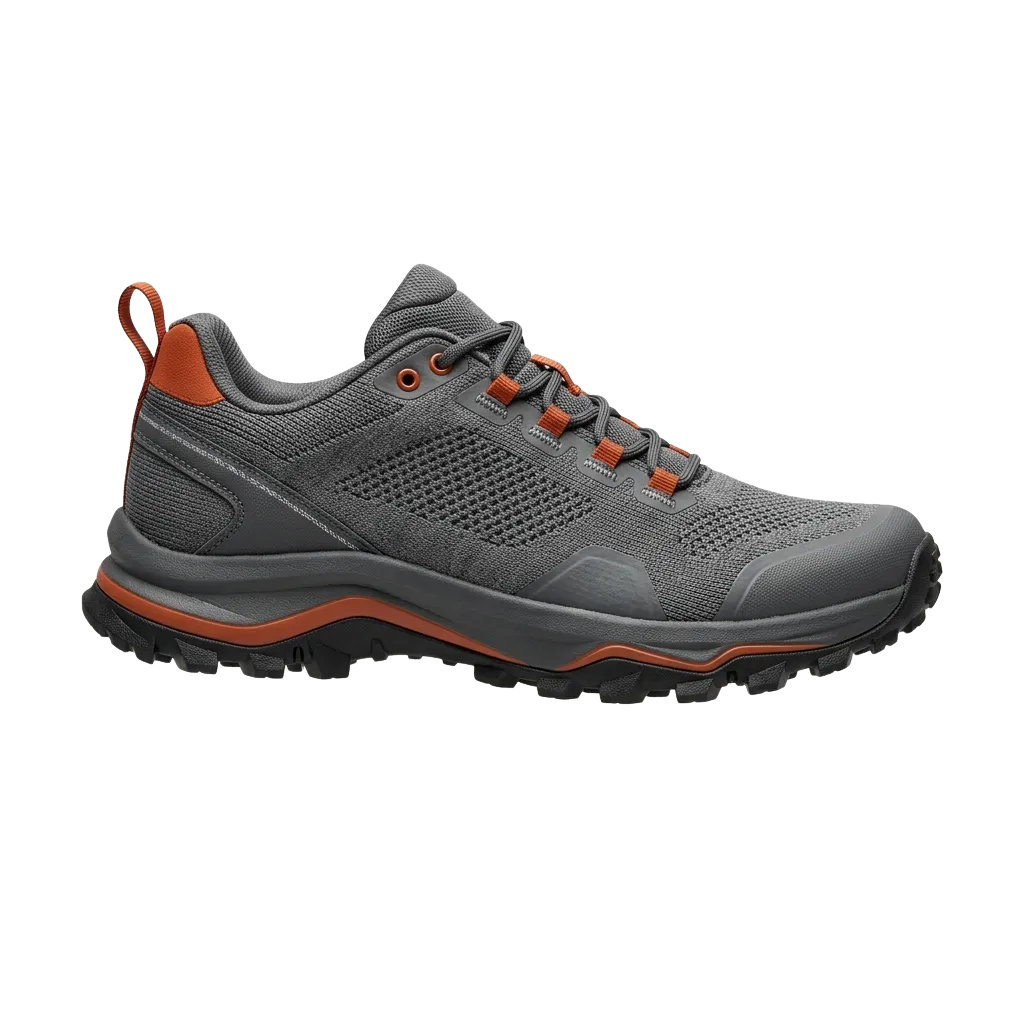
A video template is a Creative Studio template with a duration and a frame rate. Arrange your layers on the timeline, add animation effects — entrances, exits, emphasis, continuous motion — and decide where each piece of product data lands.
Renable then renders a video for each product and attaches it to your channel’s video field, so dynamic placements serve the right video with the right product. No editing suite, no per-SKU production work.
What you see on the Studio canvas is exactly what renders — for every product.
Grip every mile
Elements
Timeline
0:02 / 0:06One template · your whole catalog
The same design, a different video per product
Each render pulls its own footage, headline, price, and review score from that product’s data. You designed one video; the catalog fills it in — enriched, never a bare product shot on white.
One template
Video template
Story / Reels · 6s
Designed once, on brand.
Sportgear0:06Grip every mile
 Sportgear0:06
Desk to dusk
 Sportgear0:06
Made for the cold
And it reaches your ads
Each rendered video attaches to your channel’s video field. The image still serves wherever a placement has no video — video is additive, never a rip-and-replace.
Rendered video
per product
Channel
Video field
Meta Advantage+
dynamic video
TikTok
catalog video
product video
Pinterest & Snapchat
rolling out
Those are the catalogs with a video field. Microsoft Advertising, Reddit, Criteo and the price-comparison channels have none, so there your image ads do the work — we won’t pretend a product video reaches them.
Start from a free video template
You don’t need to be a motion designer. Pick a free template, swap in your fonts and colors, and render. A few, already moving:
To browse the full template gallery, create a free account.
The showpiece
Set your product on a moving scene
A lifestyle video — pulled from your feed, uploaded, or generated on the product — plays as the template’s background layer. Your product data, price, and a review quote animate in on top, over an audio track — music, an upload, or a per-product voice-over that text-to-speech speaks from each product’s own data. Because it’s baked into the template, it renders for every product and reaches your ads through the same channel video field.
Whisk, knead, and everything after
“Kneads heavy dough without wandering across the bench.”
$749Simplified view of a video template, for illustration.
Voice script · spoken per product
Text-to-speechText-to-speech turns a templated line into a spoken voice-over for every product, written from its own data — or drop in music or a track you upload.
Put your customers in the video
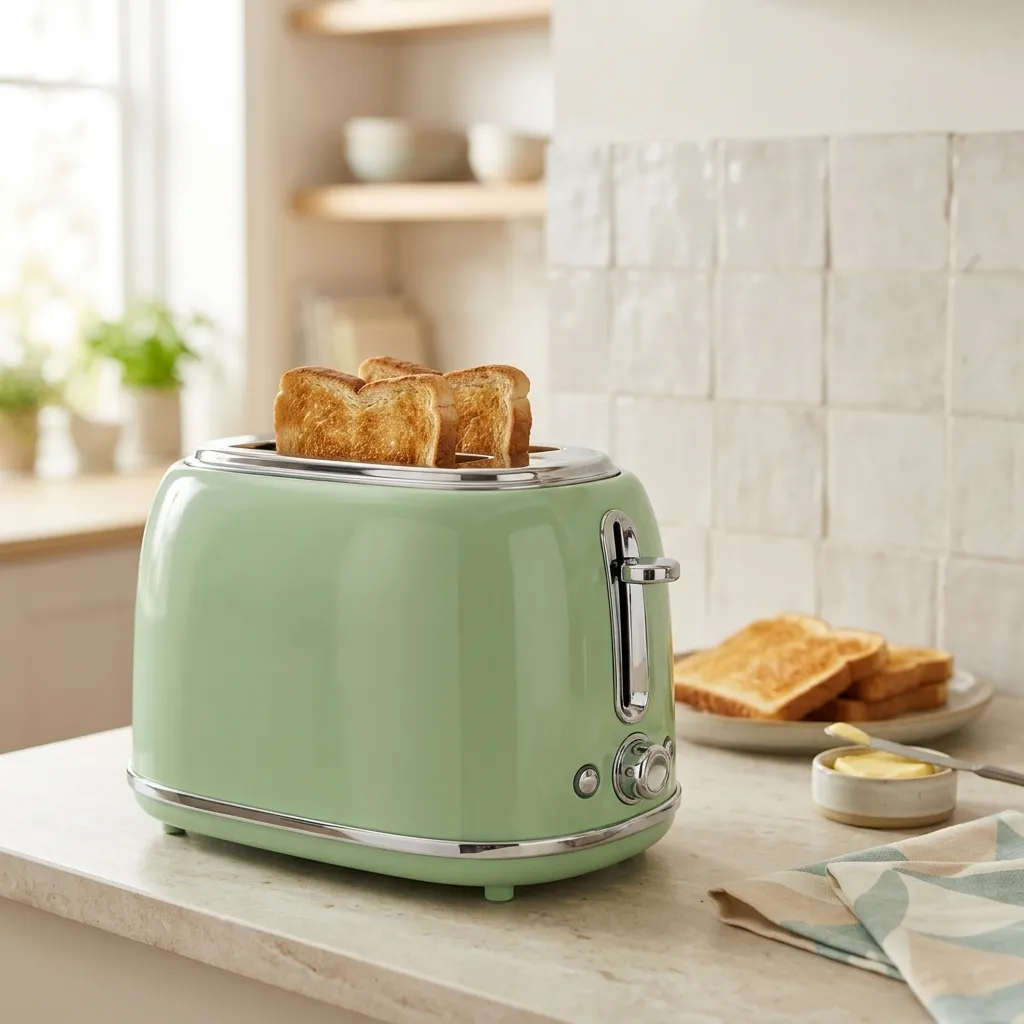
Video gives you room, and nothing fills it better than a customer’s own words. Aimée reads each product’s reviews, scores her confidence, and animates the most quotable line into that product’s video.
The stars, score, and quote are placeholders, bound per product — the social proof renders itself, no copy-paste, on every SKU in the catalog.
 Copperleaf0:06
The one the reviews rave about
“Same golden shade every morning, dial set and forgotten.”
$199Start free — render your first product videos
Free for your first 100 items — no card, no video gate.
When you want footage that never existed, generate it
This clip started as a single product photo. A short prompt turned it into footage of the product in use — grounded in your real photo, not generic stock. No shoot, no set.
To reach your live ads, generated footage flows in through the template: animate it into a backdrop or a hero element and it renders for every product, the same as any other layer. Direct a scene of its own for the launches that deserve one.
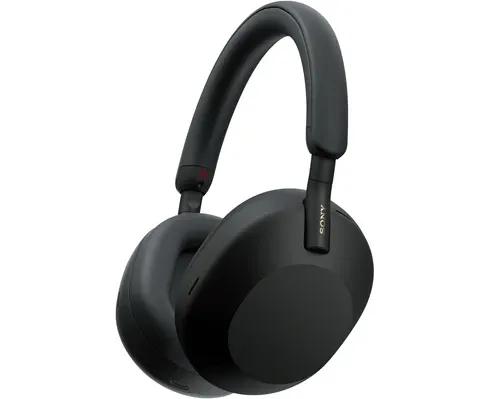 One pack shot, a simple prompt, moving footage.
The generative video toolkit
Net-new footage, built from what you already have — animate a photo, or describe a scene and generate it.
Image to video
Animate a product’s own pack shot into a short clip — grounded in your photo.
Text to video
Describe a scene you have no footage of and generate it, where the model supports text-to-video.
LoopLooping clips
Seamless short loops built for the feed placements that autoplay and repeat.
Vertical & widescreen
Generate the shape each placement wants — vertical for Stories, widescreen for in-feed.
Pick the model per job
Aimée picks the right model, or you choose. Every run shows a cost estimate first, and video generation is included at every tier — there is no video gate.
One template. Every placement, still yours.
A video template holds every size at once — vertical for Stories and Reels, square for the feed, widescreen for in-feed. Content and bindings are shared; only the layout differs per size.
Meta picks the right size for each placement automatically, and where a placement has no video, your image still serves. Video is additive.
Grip every mile
Grip every mile
Grip every mile of the trail
Animation design sounds hard. Just ask Aimée.
Describe the video you want in plain language and Aimée turns on video mode, lays out the layers, animates them, and generates the backdrop — working with your brand fonts and colors, not around them.
A template is configuration, so it lands as a draft. You publish it, and every change is versioned and undoable — nothing off-brand reaches your live ads on its own.
Aimée
Make this a 6-second video — animate the price and a review quote, and put a lifestyle backdrop behind the product.
Done. I turned on video mode, animated the layers, generated the backdrop, and wired the channel’s video field. It’s a draft until you publish.
Built a video template · Story / Reels · 6s
Want me to add the square feed size from the same template?
Why product-level video?
Catalog placements are a wall of static product shots. Motion draws the eye — and Meta Advantage+ and TikTok both serve product-level video, while Google, Pinterest and Snapchat all carry a product video in the catalog too — the last two rolling out. A catalog that ships only images leaves every one of those empty.
Video also gives each product room to show more than one frame: a scene, a price, and a real review, in a few seconds.
A static catalog is a wall of still tiles; product-level video gives every tile its own motion.
Our playbook for product-level video on Meta
Use the right image type — or both.
Aimée classifies every feed image into types like Product and Lifestyle. Prioritize the type that fits your products, or put a product shot and a lifestyle shot in the same template. What works best depends on what you sell.
Put product shots on brand backgrounds.
Backgrounds are removed automatically from product-shot images. Put your brand color or a graphic behind the product instead of a white studio wall — it is the fastest way to stop looking like every other catalog ad.
Make the template yours.
Grab a free video template, change the fonts, add your colors. That is enough for your ads to be recognizably yours across the whole catalog — no designer needed.
Lead with social proof.
Video gives you extra room, and nothing fills it better than a customer’s own words. Aimée reads each product’s reviews and extracts confidence-scored quotes that work as ad copy, so every product runs with its best review.
Let the data write the copy.
Aimée writes shorter and longer ad copy for each product from that product’s own data, and fact-checks it against that data. Ideal for the copy layers of a product-level video.
Video, included — no gate, no per-render fee
Product Level Video is not a tier or an add-on. Every plan — including Free — renders template video and generates new video on its included credits. You pay for the feed items your rules keep, nothing else. No per-render fee, and never a percentage of ad spend.
Valmis herättämään luettelosi eloon videon avulla?
Start free and render your first product videos today. No card, no video gate.