Renable Options · Chrome extensionSee the design your ad is running. Swap it in one click.
A Renable panel drops into the Meta ad editor, names the design behind the ad — with its real render — and lines up every other design in the feed beside it. Hit Use and the ad repoints. Nothing rebuilt, nothing uploaded.
Fetchwell — Meta catalog
This ad runs

Other design groups available

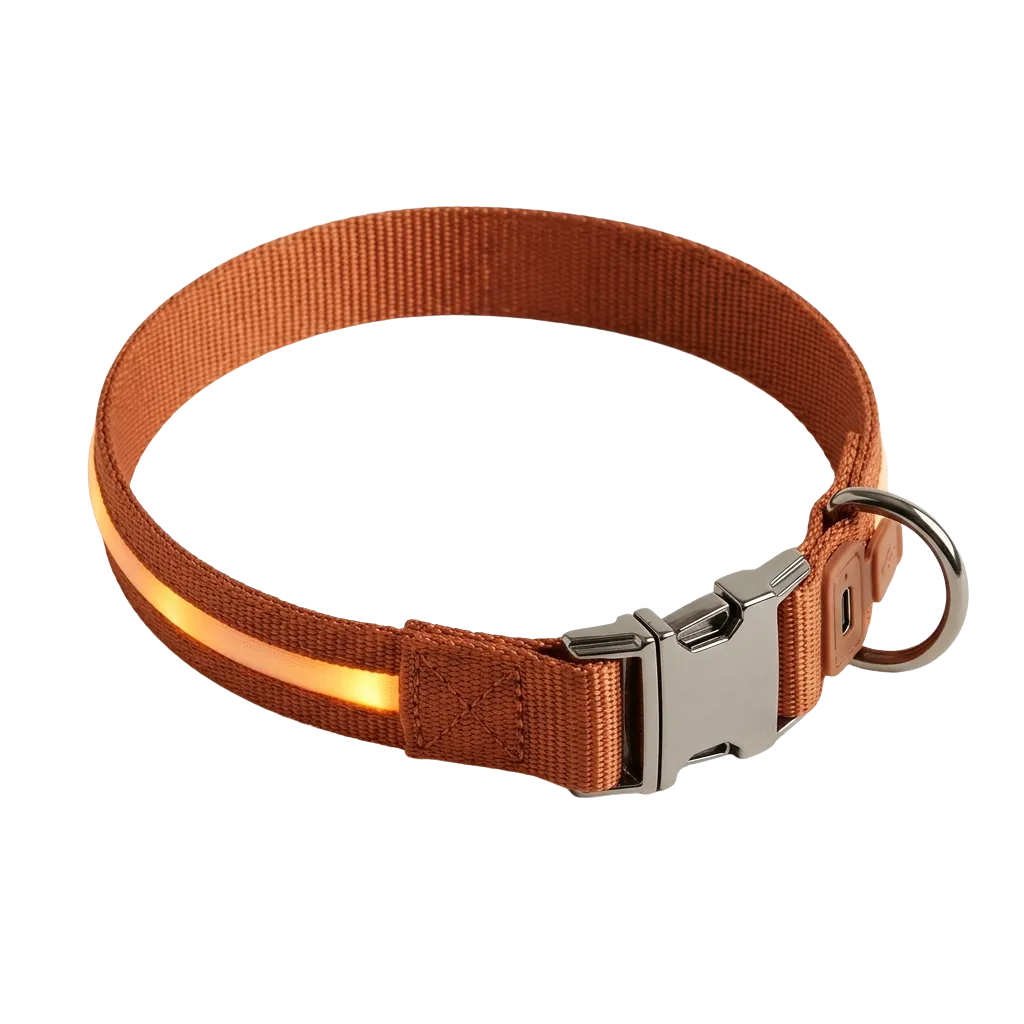
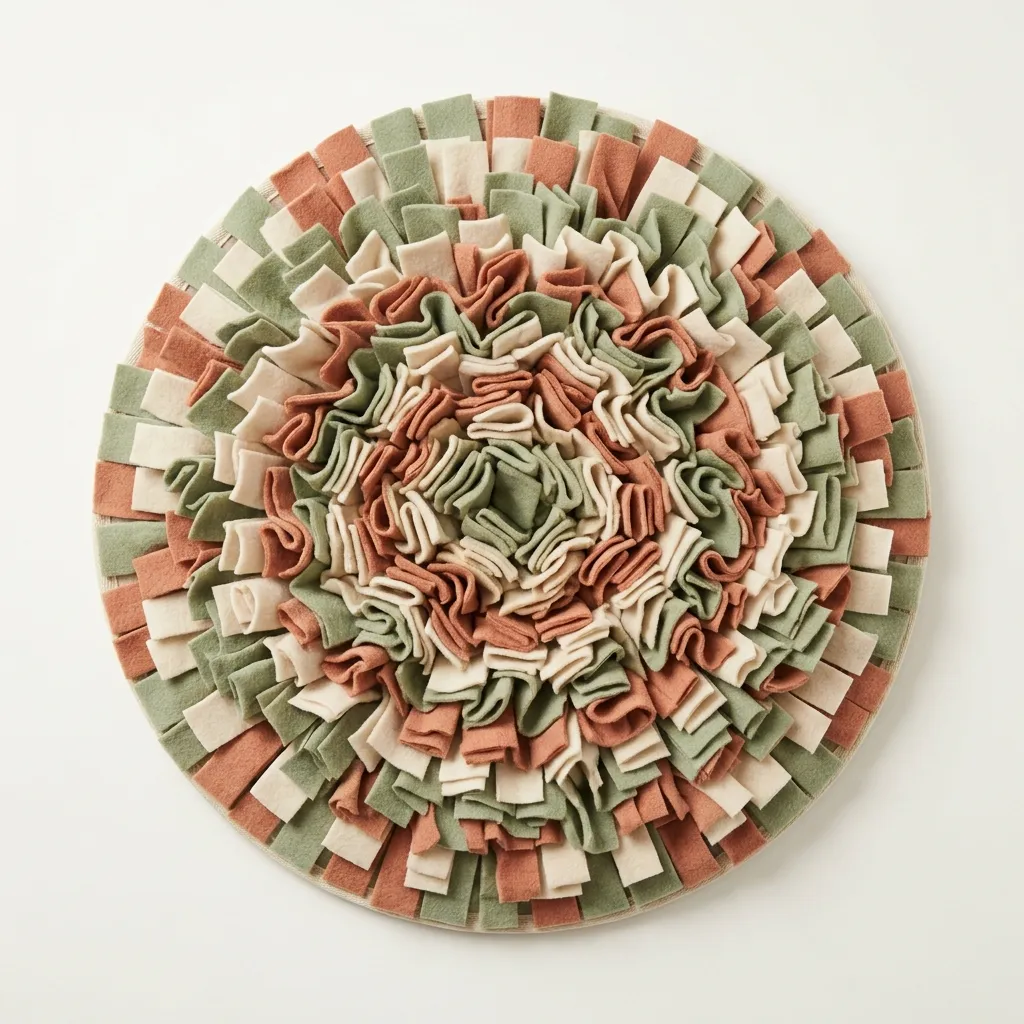
Feed updated 12 min ago · Meta fetched it 43 min ago
Simplified view of the Renable Options panel inside the Meta ad editor, for illustration.
“Which creative is this ad actually running?”
A five-second question that turns into a tab expedition — Ads Manager, catalog, feed, design tool, back again. On a client you touch once a week, that expedition is the week. Now the ad just tells you.
The design, by name
trail-season, not “variant 3” — opened up into its square, portrait and story design, each with the feed’s real render. That is the ad in front of you, not a stand-in.
Every alternative, one click away
The other design groups in the feed, previewed, with how much of your catalog each one covers. When a design has had its run, hit Use and the ad repoints.
Why it still looks like yesterday
When Renable updated the feed, and when Meta last fetched it. The difference between “my change isn’t working” and “Meta hasn’t picked it up yet.”
One name, every shape
Pin a group by name and Meta keeps picking its square, portrait or story design to fit wherever the ad runs — instead of letterboxing one square into Stories. Needs Meta’s Adapt to placement setting on.
Build the Black Friday look weeks early
A new group’s designs show only on ads you deliberately point at it. It can sit in the feed beside your evergreen designs without touching anything that’s running.
The only assistant that already knows your catalog
Open the side panel and Aimée is right there next to your ads — the same Aimée, the same conversation you left open in Renable. She knows which account and which ad you’re on, so you never have to tell her which campaign you mean.
Aimée
Why is this ad showing that image?
It’s pinned to the evergreen design group, so Meta is choosing that group’s square, portrait or story design per surface. The render comes from your Meta Advantage+ channel.
Explained this ad
Simplified view of the Aimée side panel beside Meta Ads Manager, for illustration.
“Why is this ad showing that image?”
She traces it: the design, the channel and product feed behind it, and how fresh Meta’s copy of that feed is. A general-purpose chatbot cannot make that join — it didn’t build your catalog.
“How is it doing this week?”
Campaigns, ad sets and ads with their statuses, delivery and learning state, and the numbers Meta reported for any period you name — in Meta’s own on-screen words.
“Can you put that in an email?”
She answers in words the client can read. The awkward “why is it showing that image” thread stops being a research project.
Aimée reads and explains here — budgets, statuses, audiences and creative stay yours to change in Ads Manager, and switching a design happens on the panel. The panel says what a switch costs before you confirm it.
Bring the account you most want answers on
Early access, set up by us directly rather than through a public listing. Sign in with your Renable account and the panel shows up on catalog ads running a Renable feed.
Renable Options, answered
Does the ad have to be running a Renable feed?
Will switching a design disrupt a running ad?
Can Aimée change my campaigns?
What can the extension see on my Meta pages?
Can it build an A/B test for me?
How do I get it?
Stop guessing which creative is running
Open the ad, read the design, switch it, ask Aimée what happened — in the tab you were already in.